Delta iOS Game Emulator Review (2025): The Ultimate Retro Gaming Hub for Your iPhone & iPad?
For many, the golden age of gaming evokes fond memories of classic Nintendo consoles. The Delta iOS Game Emulator, developed by Riley Testut, has become a beloved solution for retro gaming fans looking to relive those experiences on their modern Apple devices. This Delta emulator review for 2025 will explore its capabilities, supported systems, user experience, and why it's often hailed as the best emulator for iOS. If you're wondering how to play your favorite Game Boy, SNES, N64, or DS emulator games like Pokémon or Mario on your iPhone or iPad, Delta offers a polished and feature-rich gateway to nostalgia.
TL;DR:
- Delta is a highly acclaimed multi-system emulator for iOS (iPhone and iPad), enabling users to play their legally owned classic game ROMs from iconic Nintendo consoles including NES, SNES, Nintendo 64, Game Boy (Color/Advance), and Nintendo DS.
- It provides a sleek, user-friendly interface, excellent game performance, robust support for various physical controllers (MFi, PlayStation, Xbox), essential features like save states, cheat codes, cloud syncing for game data, and customizable controller skins for an authentic retro gaming experience.
- Widely considered the best emulator for iOS due to its ease of use, broad console compatibility, extensive feature set, and consistent updates, Delta makes retro gaming on Apple devices highly accessible, enjoyable, and customizable for enthusiasts and casual players alike.
What is Delta? Your Gateway to Classic Video Game Emulators on iOS
Delta is a multi-system video game emulator specifically designed for Apple's iOS and iPadOS operating systems. Developed by Riley Testut, the creator of the popular GBA4iOS, Delta serves as an all-in-one solution for playing games from a variety of classic Nintendo handheld and home consoles. Unlike official Virtual Console releases or subscription services, Delta allows users to play their own legally obtained game files (ROMs) directly on their iPhone or iPad. It has gained immense popularity within the retro gaming community for its polished interface, robust feature set, and excellent performance, making it a go-to ios emulator for many. The primary appeal of the delta game emulator is its ability to consolidate multiple classic gaming experiences into a single, convenient app, transforming your modern Apple device into a powerful retro gaming handheld.
Supported Systems & Game Compatibility: From Game Boy to N64 on Your iPhone
One of Delta's strongest assets is its impressive range of supported Nintendo systems, allowing users to access a vast library of retro titles.
Core Nintendo Systems Supported:
- Nintendo Entertainment System (NES): Relive 8-bit classics.
- Super Nintendo Entertainment System (SNES): Enjoy 16-bit masterpieces.
- Nintendo 64 (N64): Dive into early 3D gaming adventures.
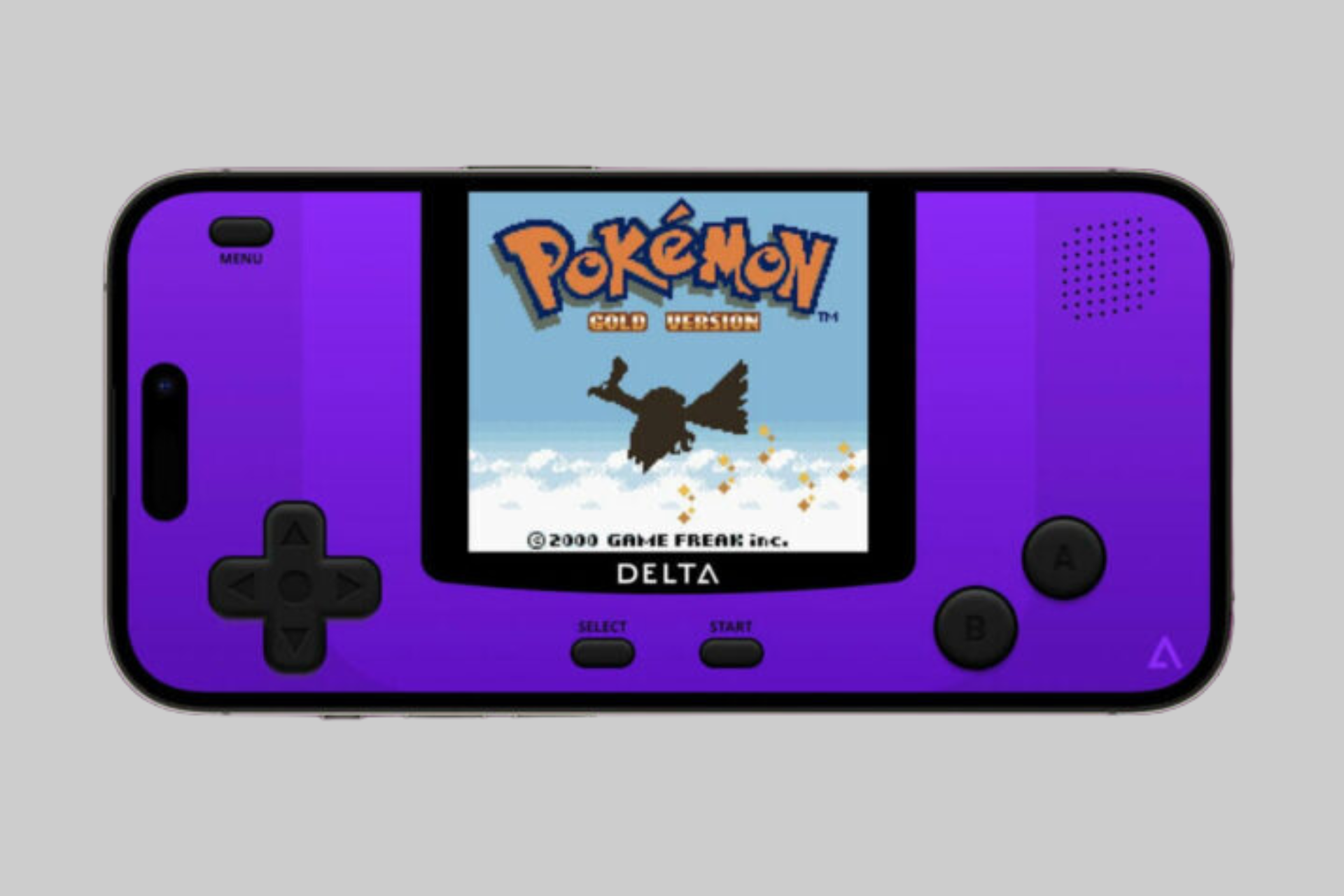
- Game Boy / Game Boy Color (GB/GBC): Experience a huge library of portable favorites, making it an excellent gameboy emulator.
- Game Boy Advance (GBA): Play beloved GBA titles with enhanced visuals on your iOS device.
- Nintendo DS (NDS): Even supports dual-screen experiences, often with customizable screen layouts.
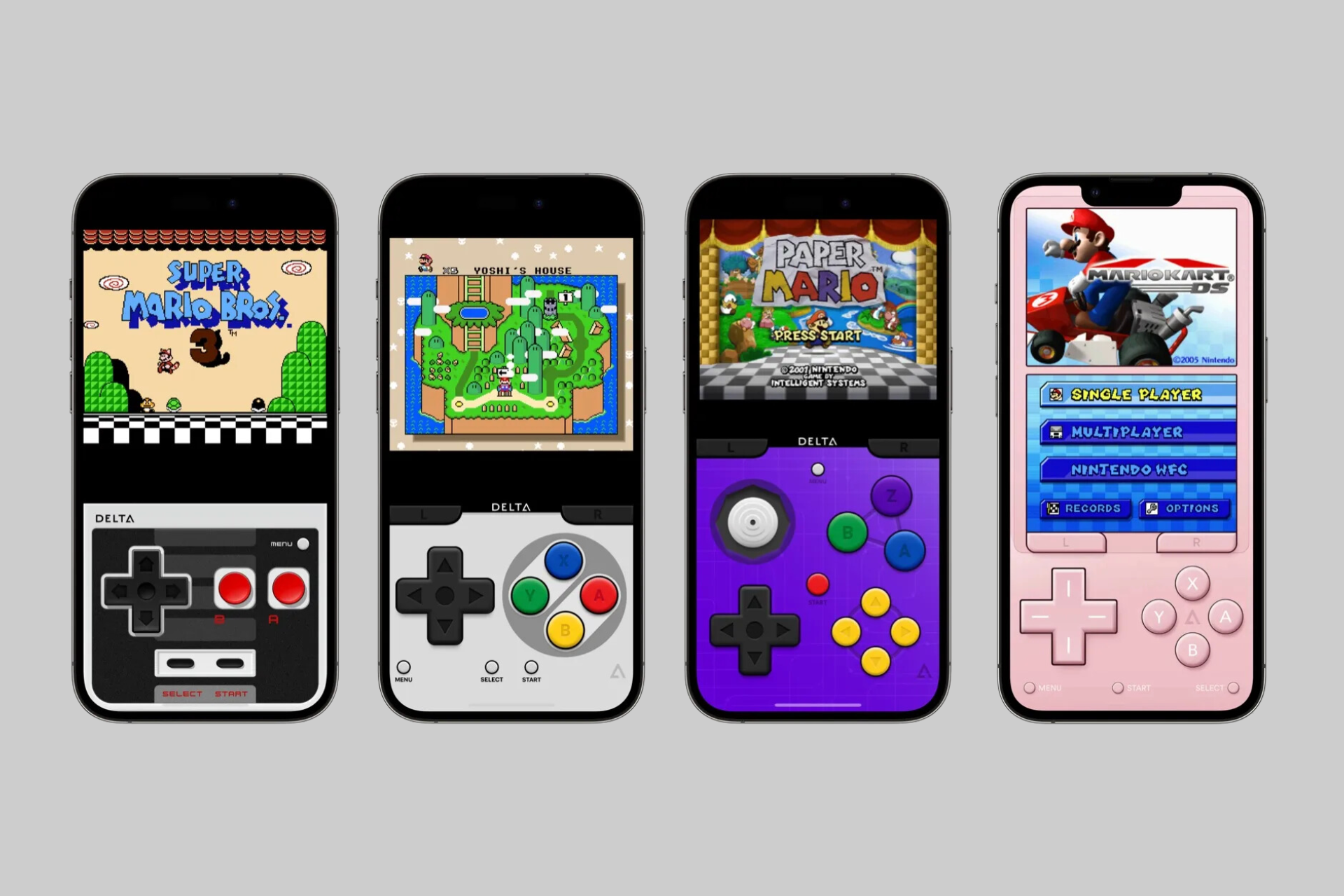
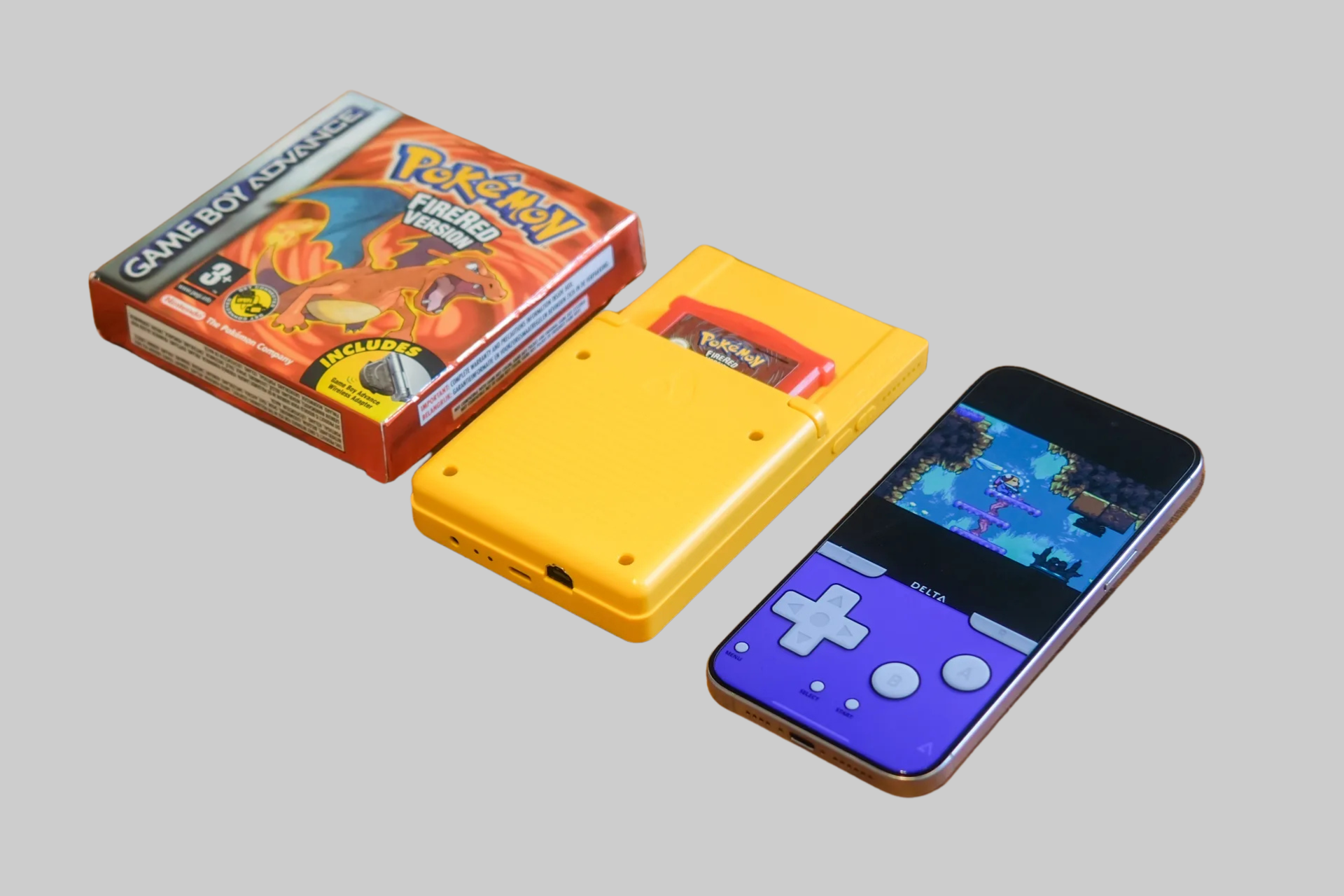
This broad compatibility means users can enjoy a massive catalogue of games, from playing a mario emulator for NES or SNES titles to a pokemon emulator for Game Boy or DS adventures, all within a single application. It's important to note that Delta itself does not provide game ROMs; users must legally own the games and provide their own ROM files to play. The emulator simply provides the software environment to run these files. The performance for most systems is generally excellent on modern iPhones and iPads, offering smooth gameplay and accurate sound reproduction for the best delta emulator games.
Key Features: Controller Support, Save States, Cloud Syncing, and More
Delta is packed with features that enhance the retro gaming experience, making it more than just a basic emulator for iphone.
Extensive Controller Support
While on-screen touch controls are available and customizable, Delta truly shines with its support for physical game controllers. It seamlessly integrates with:
- MFi (Made for iPhone/iPad) controllers.
- Sony PlayStation 4 (DualShock 4) and PlayStation 5 (DualSense) controllers.
- Microsoft Xbox One and Series X/S controllers.
Save States and Fast Forward
Delta allows users to create multiple save states for any game, at any point. This is a huge convenience over original console save systems, enabling you to pick up exactly where you left off or retry difficult sections without losing progress. A fast-forward feature is also included, which can be invaluable for speeding through slower parts of games or grinding in RPGs.
Cheat Code Support
For those who enjoy a little extra help or want to experiment, Delta supports various cheat code formats for many of the emulated systems, allowing users to unlock new possibilities or overcome challenging obstacles.
Cloud Syncing
Delta offers robust cloud syncing capabilities, integrating with services like Google Drive and Dropbox. This allows users to back up their game saves, save states, and even ROM libraries (though ROM syncing itself can be bandwidth-intensive and depends on user setup) to the cloud. This means you can seamlessly switch between playing on your iPhone and iPad, with your progress always up to date.
Customizable Controller Skins
For on-screen controls, Delta provides a variety of customizable skins for each emulated system, mimicking the look of the original controllers. Users can also import or create their own skins for a personalized touch.
Other Features
Additional features often include AirPlay support for displaying games on an Apple TV, haptic feedback, support for various ROM file types, and options for adjusting emulation settings for performance and accuracy.
User Experience: Interface, Performance, and Playing Your Favorite Emulator Games
The overall user experience with the Delta iOS emulator is generally very positive, contributing to its reputation.
Intuitive Interface
Delta features a clean, well-organized, and visually appealing interface. Importing ROMs is a straightforward process (often via cloud services, iTunes File Sharing, or Files app), and games are typically displayed with their box art for easy Browse. Navigating menus and settings is intuitive, even for users new to emulation.
Smooth Performance
On modern iOS devices, Delta delivers excellent performance for the vast majority of supported emulator games. Games typically run smoothly, with accurate sound and responsive controls. The N64 and DS emulation, being more demanding, might occasionally have minor hiccups on older devices or with particularly complex games, but overall, the performance is impressive for a mobile emulator.
Ease of Use
From setting up controllers to managing save states and customizing settings, Delta is designed to be user-friendly. It strikes a good balance between offering advanced features for enthusiasts and being accessible for casual players just looking to enjoy some retro gaming on their iPhone.
Delta Emulator Review: Pros, Cons, and Is It the Best Emulator for iOS?
This Delta emulator review considers its strengths and weaknesses.
Pros:
- Multi-System Support: Emulates a wide range of popular Nintendo consoles in one app.
- Excellent Performance: Smooth gameplay and accurate emulation on most modern iOS devices.
- Robust Feature Set: Controller support, save states, cheat codes, cloud sync, fast forward, custom skins.
- User-Friendly Interface: Clean, intuitive, and easy to navigate.
- Free to Use: Delta is typically available for free (often through alternative app stores like AltStore, or more recently, directly on the App Store in some regions following policy changes).
- Active Development and Community: Benefits from ongoing updates and a strong user community.
Cons:
- ROM Sourcing: Users must legally obtain their own game ROMs, which can be a hurdle or a legal grey area for some if they don't own the original cartridges. The app itself does not provide games.
- N64/DS Performance on Older Devices: While generally good, emulation for more complex systems like N64 and DS can be demanding on older iPhones or iPads.
- Battery Consumption: Emulation can be battery-intensive, especially for more demanding systems or longer play sessions.
- Initial Setup (via AltStore historically): Previously, installing Delta often required using AltStore and a computer, which could be a barrier for less technical users. Direct App Store availability, where applicable, has simplified this.
Is It the Best Emulator for iOS?
Considering its broad compatibility, rich feature set, excellent performance, and user-friendly interface, Delta is widely regarded by many as the best emulator for iOS, particularly for Nintendo retro gaming. While other emulators exist, Delta's polish and comprehensive nature make it a top choice. The best delta emulator games are essentially any classics you legally own and wish to play from the supported systems.
Final Play (2025): Why Delta Remains the Champion of iOS Retro Gaming
The Delta Game Emulator stands as a remarkable achievement in mobile retro gaming, offering iOS users an unparalleled gateway to their cherished classic Nintendo titles. This Delta iOS emulator review for 2025 solidifies its reputation as a polished, feature-rich, and highly capable multi-system emulator. From its seamless controller support and robust save state system to its intuitive interface and broad compatibility with consoles like the NES, SNES, N64, Game Boy Advance, and DS, Delta makes retro gaming on iPhone and iPad an absolute joy. While users must provide their own legally owned game ROMs, the platform itself provides a superb and authentic experience. For anyone looking to dive back into their favorite emulator games or discover the classics for the first time on their Apple device, Delta remains the champion and arguably the best emulator for iOS, bringing a universe of nostalgia right to your fingertips.
 Delta on Instagram